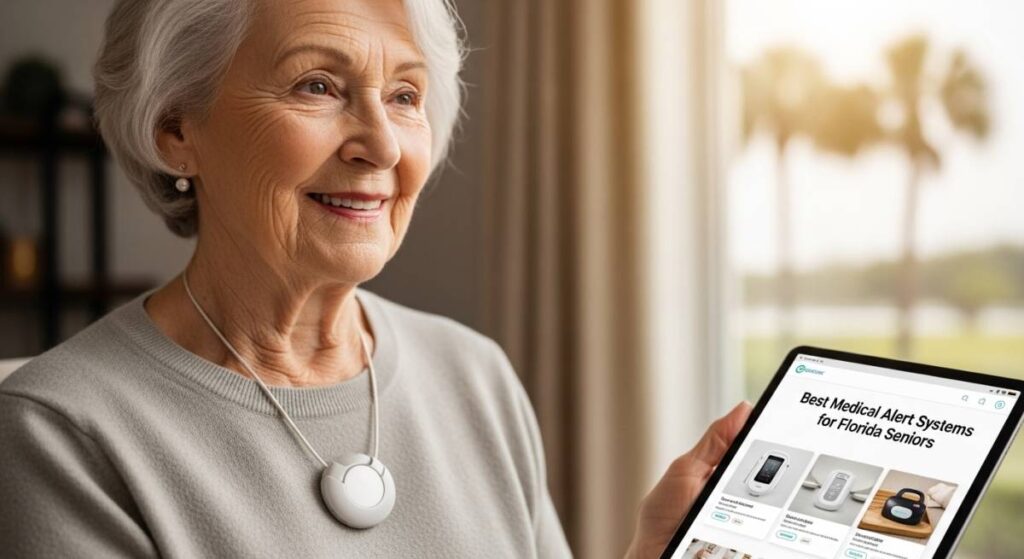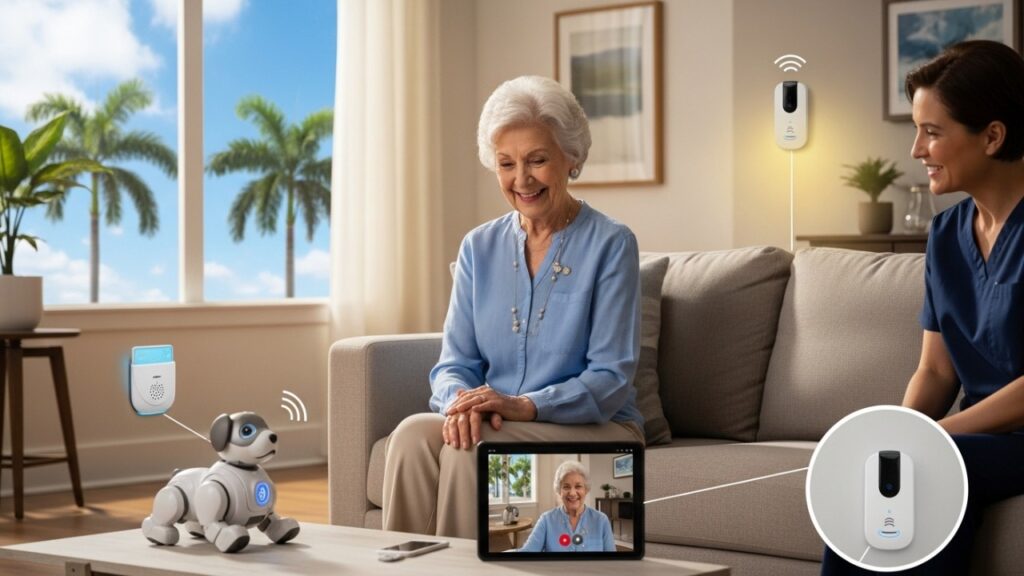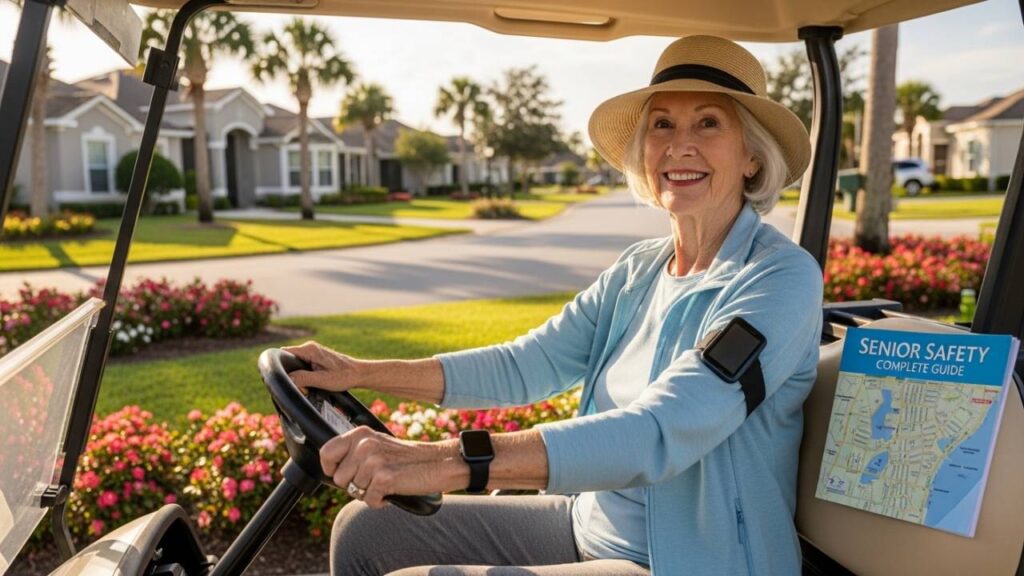
You’ve seen them zipping down the streets at seven in the morning—golf carts everywhere, beach-bound, headed to pickleball tournaments, racing toward the next social event. The Villages, Florida, feels less like a retirement community and more like a perpetually active vacation destination where people have decided to actually live their lives rather than merely exist through them.
But here’s the part that doesn’t make it into the glossy brochures: this level of freedom and independence, while absolutely wonderful, introduces real safety challenges that most retirement communities never have to manage. When you’re spread across 32,000 acres with over 130,000 residents, when golf carts outnumber traditional vehicles, and when residents routinely travel distances that would require car rides in smaller communities, the stakes change. A fall on a golf cart path a mile from home isn’t the same as a fall in your living room. Being unable to call for help while navigating unfamiliar recreation center routes carries different risks than staying put at home.
That’s why GPS tracking in The Villages isn’t about surveillance or loss of independence. It’s about maintaining exactly the kind of active lifestyle that drew you here in the first place, with the added security of knowing that if something goes wrong, help knows exactly where to find you.
This guide covers everything you need to know about choosing the right GPS tracking solution for your life in The Villages—including the uncommon risks that specifically apply to this community, how The Villages’ unique emergency infrastructure impacts your choices, and which systems actually make sense for golf cart commuting, pool time, and travelling throughout the sprawling community.
Why The Villages Presents Unique GPS Tracking Challenges (And Advantages)
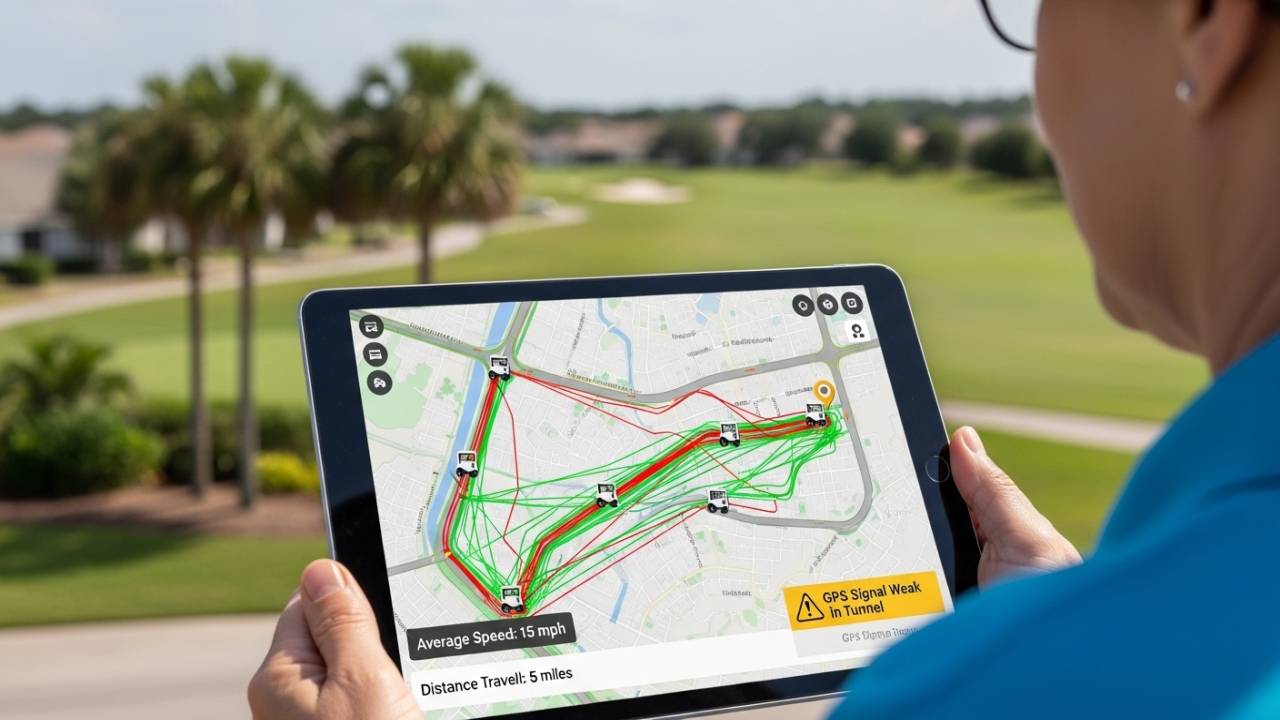
The Villages isn’t unique because it’s a retirement community. It’s unique because of how it operates—and those operational realities completely change the GPS tracking conversation.
The Geography Problem: 32,000 Acres and Three Zip Codes
Most people underestimate how vast The Villages actually is. The community spans 32,000 acres across three zip codes: 32159, 32162, and 32163. That’s roughly the size of Philadelphia’s land area. If you experience a medical emergency on a golf cart path in the northernmost neighborhoods while your spouse is attending a show at Lake Sumter Landing, you’re not talking about a response time measured in the same way as a suburban neighborhood would be.
A basic home-based medical alert system becomes essentially useless in this scenario. You need technology that knows where you are—not where your house is. This is why GPS tracking in The Villages isn’t optional for active residents; it’s foundational infrastructure for the lifestyle.
Golf Cart Transportation: The Reality vs. The Romance
More than 50,000 golf carts are registered in The Villages, and they serve as the primary transportation for most residents. The beauty of this system—no traffic, no stress, low speed—masks a real safety consideration: golf cart accidents do happen, and the consequences can be significant.
A comprehensive analysis published in the Journal of Safety Research examining eight years of golf cart incidents in The Villages found that of 875 recorded crashes, 48% resulted in hospitalization or serious trauma. Of those severe incidents, 27% involved ejection from the cart. These aren’t statistics meant to frighten you. They’re evidence that when you’re traveling by golf cart regularly, the right safety technology changes everything.
The crucial distinction: fall detection works fine for detecting someone tumbling out of a golf cart at 20 mph, but GPS is what ensures rescue personnel can locate you on that winding path near the 18th hole. Fall detection tells someone an incident occurred. GPS tells them where to look.
Also Read:- Best Medical Alert Systems for Florida Seniors: Complete 2026 Guide
The Tech-Savvy Population: Expectations Are Different Here
Here’s something most medical alert guides completely miss: Villagers aren’t a population that wants medical alert devices that “look” like medical alert devices. The average resident in The Villages actively uses smartphones, is comfortable with apps, and frankly, expects technology to look and feel current.
That matters because it changes the entire product landscape. Bulky pendants and clunky interfaces lose appeal fast with this demographic. You’re looking for systems that integrate seamlessly into an active lifestyle without making the wearer feel like they’ve given up a part of their independence just by using them. The device that works in The Villages tends to be the one that barely feels like a safety system at all—until you need it.
How The Villages’ Emergency Infrastructure Creates Advantages
The Villages has invested in its own emergency response infrastructure in ways that most retirement communities haven’t. This creates a significant advantage when choosing a GPS tracking system, but only if you understand what to look for.
UF Health The Villages Hospital serves residents directly. More importantly, The Villages Public Safety Department operates its own EMS services that are uniquely familiar with:
- The community’s golf cart path systems
- The geography and intersection layouts across all three zip codes
- The specific response patterns that work in this community
- The most common emergency scenarios specific to active seniors
This means your GPS tracking system should theoretically be able to communicate directly with The Villages Public Safety Department rather than routing through a generic county 911 dispatch center. The difference in response time and effectiveness between these two scenarios can be substantial.
When you’re evaluating any GPS tracking system, ask the provider directly: Can your monitoring center relay GPS coordinates specifically to The Villages Public Safety Department, or does the call go through standard Sumter County 911 dispatch? This single question reveals whether a provider has actually tailored their service to the community or is just offering generic nationwide coverage.
GPS Tracking vs. Medical Alert Systems: What’s Actually Different
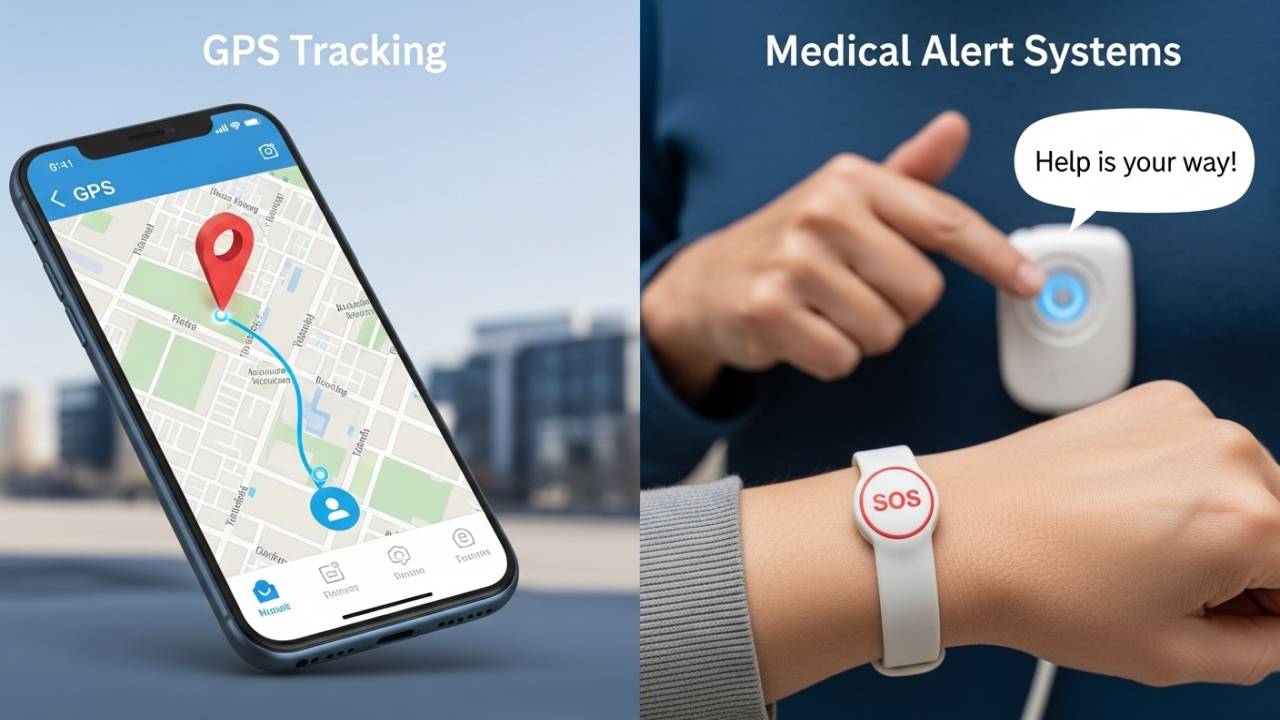
Medical Alert Systems are designed to help you request help when something goes wrong. You press a button, a monitoring center answers, you communicate your emergency, and they dispatch help. The system is event-triggered—something bad happens, you activate it.
GPS Tracking Systems are designed to let caregivers know where you are at all times, regardless of whether you can press a button or communicate. The system is location-enabled and often includes automatic alerts (fall detection, geofencing, activity monitoring) that can trigger response without any action on your part.
In The Villages, you likely need elements of both. You need the medical alert capability for the moment when something happens and you can request help. But you also need GPS tracking so that help can find you even if you can’t effectively communicate your location—which is particularly crucial for:
- Golf cart accidents where impact might disable you
- Falls that happen far from home
- Cognitive decline situations where you might not accurately describe your location
- Emergency scenarios where communication is compromised
The best solutions for The Villages residents combine these capabilities rather than forcing you to choose between them. You want GPS tracking that includes a way to call for help, not a choice between the two.
Critical Features for GPS Tracking in The Villages Specifically
Not all GPS tracking systems are equally suited to The Villages lifestyle. Looking past the marketing, these are the features that actually matter:
1. GPS Accuracy Within 100 Feet or Better
When rescue personnel are looking for you on a golf cart path, the difference between knowing “you’re somewhere on the north end of the community” and knowing “you’re at the intersection of Morse Boulevard and Main Street” is literally life-or-death precision.
Look for systems that specifically claim accuracy within 100 feet or better. This typically requires a combination of GPS satellite signals plus cellular triangulation. Some systems that supplement with Wi-Fi data can actually achieve higher accuracy indoors (inside recreation centers, for example), which matters when you’re not outside.
Also Read:- Elderly Care Technology in Florida: Transforming Senior Lives in the Sunshine State
2. Two-Way Communication Without a Base Station
Many older medical alert systems require a base unit sitting on your kitchen counter. That base unit cannot hear you when you’re a mile away on a golf cart path. Modern systems should include a built-in speaker and microphone in the wearable device itself, allowing two-way voice communication directly with a monitoring center operator from anywhere.
This matters because you can describe your situation to someone who understands The Villages geography and can relay that information accurately to emergency responders.
3. Waterproof Rating (IP67 or Better)
Residents of The Villages are active—they swim, they’re poolside regularly, they participate in water aerobics. A waterproof device isn’t a luxury here; it’s a necessity. You need IP67 rating at minimum, which means the device can handle immersion to one meter for 30 minutes.
Look for devices that are waterproof to the point where you’re actually comfortable wearing them while swimming or in pools, not devices that technically meet waterproof specifications but aren’t practical for actual pool use.
4. Battery Life of 24+ Hours for Mobile Devices
Mobile GPS devices need to last at least a full day without charging. Longer is better—some premium devices offer 72 hours or more. This matters because forgetting to charge a device once defeats the entire purpose of having it.
Look for devices that don’t require a base station charging system (which you might forget to use), but instead have independent charging capability that’s simple and built into daily routines. The best systems make charging feel as natural as charging your phone.
5. Weight Under Two Ounces
If a device feels noticeable, residents stop wearing it. Devices under two ounces are light enough that active residents wear them all day without thinking about them—which is exactly when you need them most.
Comparison Table: Top GPS Tracking Solutions for The Villages
| Feature | Mobile Tracker Option | Smartwatch Option | Medical Alert Pendant | Location-First Tracker |
|---|---|---|---|---|
| Continuous GPS Tracking | Yes | Yes | Yes (most) | Yes |
| Weight | <1.5 oz | 1.2-2 oz | 1-1.5 oz | 0.8-1.2 oz |
| Waterproof Rating | IP67-IP68 | IP67-IP68 | IP67-IP68 | IP67-IP68 |
| Battery Life | 48-72 hours | 24-48 hours | 48-72 hours | 72+ hours |
| Fall Detection | Often optional | Built-in | Often optional | Optional |
| Two-Way Voice | Yes | Yes | Limited | Yes |
| Geofencing | Yes | Yes | Yes | Yes |
| Monthly Cost | $25-$35 | $30-$45 | $20-$40 | $30-$40 |
| Best For | Active users needing mobility | Tech-forward seniors | Traditional preference |
Practical Implementation: Making GPS Tracking Work for Your Villages’ Lifestyle
Having a GPS tracking device isn’t the same as having it actually protect you. Implementation matters.
Wearing Your Device Consistently
The most advanced GPS tracker in the world fails if it’s sitting on your nightstand when you have an emergency. For active residents:
- Wear it in a location where it won’t shift during activities (under your shirt on a short lanyard works well for golf cart use; a wrist device works for general activities)
- Develop a charging routine (nightly charging is ideal, but morning charging works if that’s your preference—just pick one and commit to it)
- Test your device’s emergency features monthly (most systems allow practice calls to your monitoring center)
- Ensure your emergency contacts are updated (if you change your address or have new neighbors who might hear your panic button, let your system know)
Adjusting Sensitivity for Your Activity Level
Many systems allow you to adjust fall detection sensitivity. If you’re an active golfer or tennis player, ultra-sensitive fall detection will generate false alarms. Work with your system provider to calibrate settings that match your lifestyle—sensitive enough to catch real emergencies, but not so sensitive that you’re dealing with false alerts that erode your trust in the system.
Using Geofencing Strategically
Geofencing—setting boundaries on a map so you get an alert if you leave a designated area—sounds useful until you start managing it. For Villages residents, geofencing is more useful for establishing “vital zones” rather than tracking someone’s entire day:
- Geofence the recreation center where someone with early memory loss participates in regular activities
- Geofence their home and primary social destinations
- Use it as a “left early” alert (they usually arrive at their activity at 10 a.m., but the app shows they left their home at 8 a.m. today—maybe check in)
The goal is using geofencing to identify unusual patterns, not to track every movement.
Also Read:- Fall Detection Devices Florida Seniors: The Complete 2025 Guide
Understanding Your Options: GPS Tracking Types
Dedicated GPS Tracking Pendants
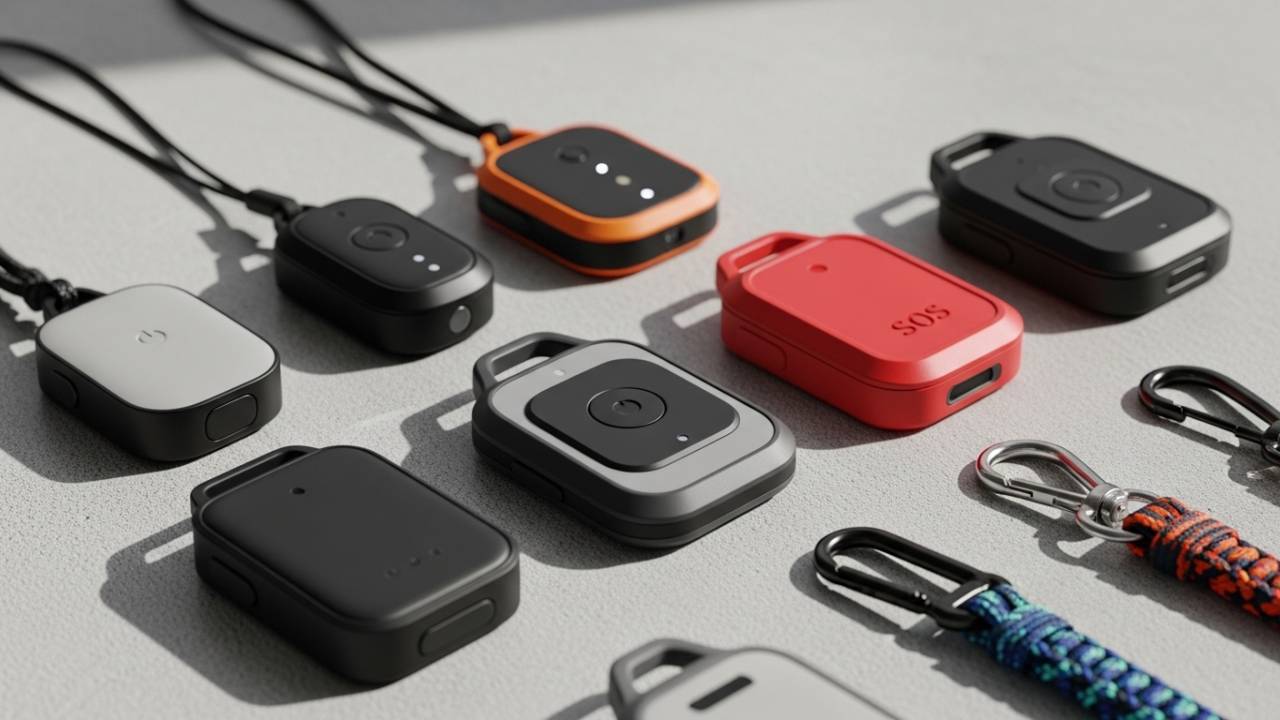
These are purpose-built devices designed to be worn around the neck. Advantages: purpose-built means excellent battery life and durability; disadvantages: they look like medical devices (which some residents resist) and they’re often less integrated with smartphone apps.
Best for: Residents who want something simple and reliable without worrying about multiple functions. This works well for someone who prefers straightforward technology.
Smartwatch GPS Trackers
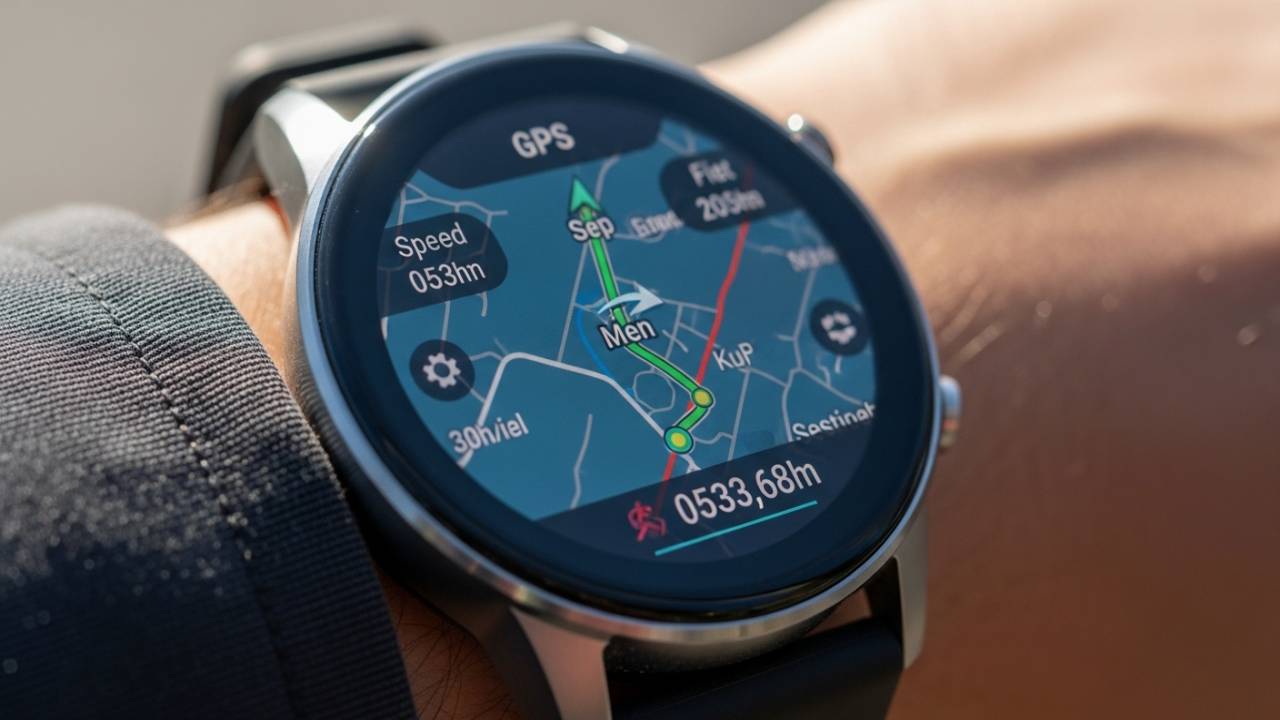
Worn as a watch or on a wrist strap, these integrate GPS tracking with other watch functions. Advantages: they look like regular watches, feel less medical, appeal to tech-forward residents; disadvantages: battery life is shorter because you’re powering additional features.
Best for: Tech-comfortable residents who want GPS tracking that doesn’t feel like a safety device. If you already wear a watch, this is a natural transition.
Smartphone-Based Tracking Apps
For residents already using smartphones daily, some systems operate primarily through an app. Advantages: no additional device to wear or charge; disadvantages: depends entirely on the phone being charged and carried, which is less reliable than a dedicated device.
Best for: Those who absolutely refuse to carry another device and commit to phone charging discipline. This works as a secondary system but shouldn’t be your primary safety tool.
Combination Medical Alert + GPS Systems
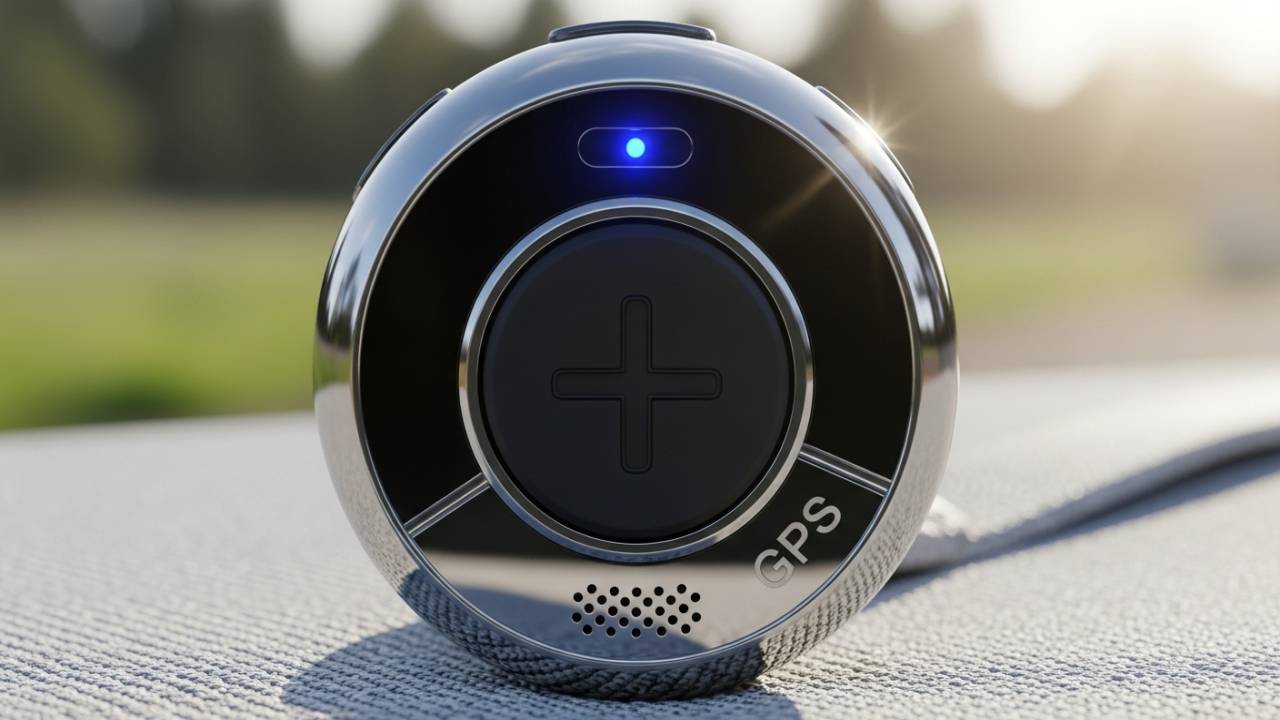
These devices do both: they function as medical alert systems where you can press a button to connect to monitoring center, but they also continuously track your GPS location. These tend to be the most practical for Villages residents because they cover both the “I need help right now” scenario and the “I’m in trouble but can’t communicate” scenario.
Best for: Most active Villages residents. This is probably your best option if you’re looking for something that handles the full range of emergency scenarios.
Also Read:- GPS Trackers for Elderly in Florida
FAQ: GPS Tracking in The Villages
Q: Will wearing a GPS tracker feel like I’m losing my independence?
A: Not if you choose the right device and frame it correctly. The residents using GPS trackers most successfully view them as tools that enable more independence—not restrict it. Instead of family members worrying and limiting your activities, you wear a device and continue your normal life without restrictions. Better to have it and not need it than need it and not have it.
Q: How often do I need to charge a GPS tracker?
A: It depends on the device. Some offer 72+ hours of battery life (meaning you could charge once every three days), while smartwatch options typically need daily charging. Choose a device that fits your charging tolerance. If daily charging feels like a burden, lean toward longer-life options. If you’re already charging a phone daily, adding a device to that routine is easy.
Q: What’s the difference between GPS accuracy of “within 200 feet” versus “within 100 feet”?
A: In The Villages, it’s significant. At 200 feet accuracy, rescue personnel might be searching a golf cart path segment without seeing you. At 100 feet or better, they can locate you quite precisely. For a large community like The Villages, better accuracy directly translates to faster emergency response.
Q: Can I wear a GPS tracker while swimming in the community pools?
A: Yes, but verify the waterproof rating. IP67 is the minimum standard for pool wear. Some devices are rated higher (IP68) and can handle deeper immersion. However, the waterproof rating is only protective if you actually wear the device—many residents remove them for swimming, which then creates a period where they’re unprotected.
Q: How much does GPS tracking typically cost?
A: Monthly subscription costs for dedicated GPS systems typically range from $25-$40 per month, depending on features and provider. Fall detection is often an add-on ($5-$10 monthly). Smartwatch options tend toward the higher end ($35-$45), while basic location-focused trackers are often lower. Factor in any setup fees (usually $0-$50) and device costs if you’re purchasing rather than renting.
Q: Will my family be able to see where I am all the time?
A: That’s entirely within your control. You choose what information you share with whom, and most systems allow you to grant location access to specific people (spouse, one adult child, etc.) while keeping other information private. You’re not forced into constant location sharing if you don’t want it.
Q: What happens if I’m outside The Villages when I need help?
A: Most systems provide coverage nationwide or worldwide. Make sure your chosen system works with your travel patterns. If you’re a snowbird splitting time between The Villages and a northern home, you need nationwide coverage. If you rarely leave The Villages, local coverage is fine.
Q: How do I handle privacy concerns about GPS tracking?
A: Set clear expectations with family members about what information is shared, with whom, and under what circumstances. Some systems allow location history to be deleted after a period of time. Others allow you to disable sharing entirely and only activate location sharing when you press an emergency button. Choose a system that matches your privacy comfort level.
The Decision Framework: Choosing Your GPS Tracking System
Stop thinking of this as choosing between multiple medical alert companies. Instead, think of it as answering three questions:
Question 1: What’s Your Primary Activity Level?
- High activity (daily golf cart use, frequent recreation center participation, regular off-property travel): You need mobile GPS tracking with excellent battery life and waterproof rating.
- Moderate activity (occasional golf cart use, mostly stays near home): A combination medical alert + GPS system balances your needs.
- Low activity (mostly at home): A traditional medical alert system might suffice, but GPS adds security at minimal extra cost.
Question 2: What Technology Interface Do You Prefer?
- Want something dead simple: Dedicated GPS pendant (press button, get help, that’s it)
- Like modern tech and have smartphone experience: Smartwatch GPS tracker
- Need both traditional button + modern GPS: Combination system
- Don’t want to wear anything: App-only system (least reliable, but option exists)
Question 3: What’s Your Budget Constraint?
This is real. Fixed incomes matter. Basic GPS trackers run $25-$30 monthly. Premium options with all features run $40-$45 monthly. The difference between “nice to have” and “can’t afford” is often $10-$15 monthly. Choose something you can afford to maintain indefinitely.
If budget is tight, don’t skip GPS entirely—that’s when budget options become smart options. A lower-cost device you actually wear beats a premium device sitting in a drawer because the monthly cost felt unmanageable.
Red Flags to Watch When Choosing GPS Tracking
- Provider can’t clearly explain how they communicate with The Villages Public Safety Department: This suggests they haven’t tailored service to the community.
- Device requires a base station for you to function: Defeats the purpose of mobile tracking.
- Battery life under 24 hours: You’ll miss the charging routine and go unprotected.
- No two-way voice communication: You need to be able to actually talk to someone who can help, not just be located.
- Setup process is complex or requires technical expertise: A system that’s hard to set up is one you’ll eventually abandon.
- Provider won’t clearly explain pricing: Hidden fees are common in this industry. Ask specifically about monthly costs, setup fees, device costs, and whether these change over time.
- Waterproof rating isn’t IP67 or better: You’ll avoid wearing it during water activities, which is exactly when many problems occur.
Also Read:- Medical Alert Systems The Villages Florida: The Complete 2026 Guide for Active Villagers
Looking Ahead: GPS Tracking as Your Village’s Safety Net
The Villages is built on a promise that retirement should be the best chapter, not a retreat into caution. A GPS tracking system doesn’t contradict that promise—it enables it.
When you have the right GPS tracking in place, you don’t have to think about safety constantly. You wear it, you forget about it, you go live your life at the same pace as your neighbors. But if something does go wrong—a fall on a distant golf path, an unexpected medical emergency while you’re away from home, any scenario where you need help and can’t communicate your location—the system activates quietly and gets you help without fuss.
Choose a system that matches your actual life, not the ideal life you think you should live. Get it set up and wear it consistently. Test it monthly. Update your emergency contacts as your situation changes. Do these things, and you’ve added a layer of safety that lets you maintain the exact kind of active, independent, engaged lifestyle that made The Villages attractive in the first place.
The best medical decision is the one that actually works in your real life, not in the marketing materials. For most active Villages residents, that means GPS tracking that’s so seamlessly integrated into daily life that you don’t even notice it until the moment you need it.
Wear it. Live your life. That’s the whole equation.
Trusted Resources for More Information
For more information about senior safety and emergency services in Florida, refer to:
- Florida Department of Elder Affairs – Official state resource for elder care services
- Silver Alerts Florida – Florida Department of Law Enforcement’s program for missing seniors
- Centers for Disease Control: Falls Among Older Adults – Research on senior fall prevention and response