Why Your Grandma Needs This Right Now (Even If She Thinks She Doesn’t)
Here’s something nobody wants to talk about but everyone should:
A fall that seems minor to you—like tripping and landing hard on the carpet—can be life-ending for a senior.
Not just life-threatening. Life-ending.
One in four seniors falls every year. And here’s the scary part: 70% of fall-related deaths happen in people over 65. The statistics aren’t just numbers—they’re your grandmother, your uncle, your neighbor.
But here’s what really gets me: most serious fall injuries aren’t from the fall itself. They’re from what happens after the fall.
Imagine your mom falls in the kitchen. She’s stuck on the ground. Can’t get up. The phone is in the other room. It’s 2 AM. Nobody knows she’s there.
That 30-minute wait on the floor? That’s the killer. Medical teams call it a “long lie”—and it literally causes permanent damage. Blood clots. Pressure sores. Broken bones healing incorrectly. Infections.
That’s why fall detection devices exist. Not to prevent the fall. But to make sure help arrives in the first 10 minutes, not 3 hours later.
This guide walks you through every type of fall detection device available right now, which ones actually work, which ones are worth the money, and which ones are basically fancy paperweights.
How Fall Detection Actually Works (The Technology Nobody Explains)
Here’s the thing about fall detection: it’s not magic.
It’s just physics.
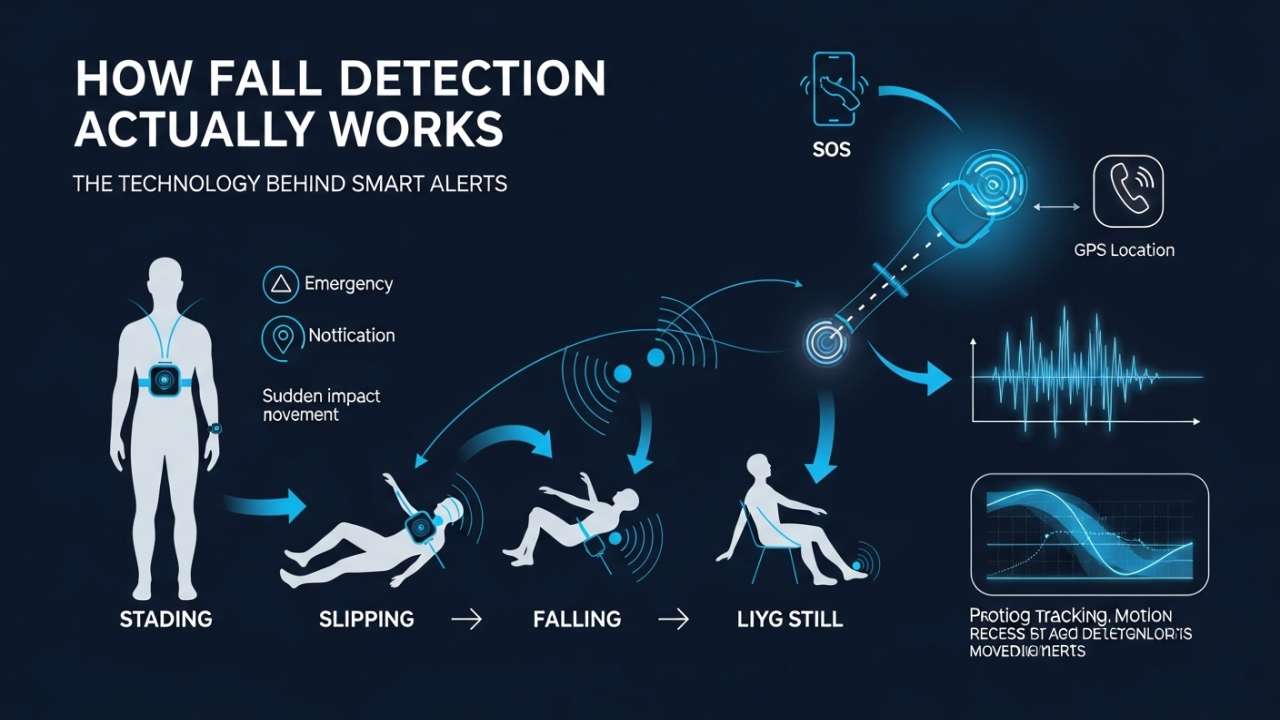
A fall has a specific signature—acceleration, direction, impact. Modern devices use tiny sensors called accelerometers and gyroscopes to track your movement 100+ times per second.
When the device detects movement that matches the “falling” pattern, it does one of three things:
1. Automatic Detection & Alert The device immediately triggers an alarm, sounds a siren on your wrist, and sends your location to a monitoring center or family members. No button pressing needed. This is the most important feature because if you’re unconscious, you can’t press anything.
2. Countdown Alert (Give You a Chance to Say “I’m Fine”) Device detects the fall and starts counting down—usually 60 seconds. You press “I’m OK” and the alert cancels. If you don’t respond, it automatically calls for help.
3. Manual SOS Button (Your Backup) If the device misses the fall (which they do, sometimes), you can press a button to call for help anyway.
Here’s the accuracy reality: Fall detection is around 80-90% accurate in lab testing. But “lab testing” isn’t real life. You’re not gently dropping yourself from a specific height in a clinical setting—you’re tripping over the cat at 3 AM, falling weird, hitting your head, and potentially being unconscious.
No device is 100% accurate. But 85% is infinitely better than 0%.
The 5 Types of Fall Detection Devices (And Which Ones Actually Work)
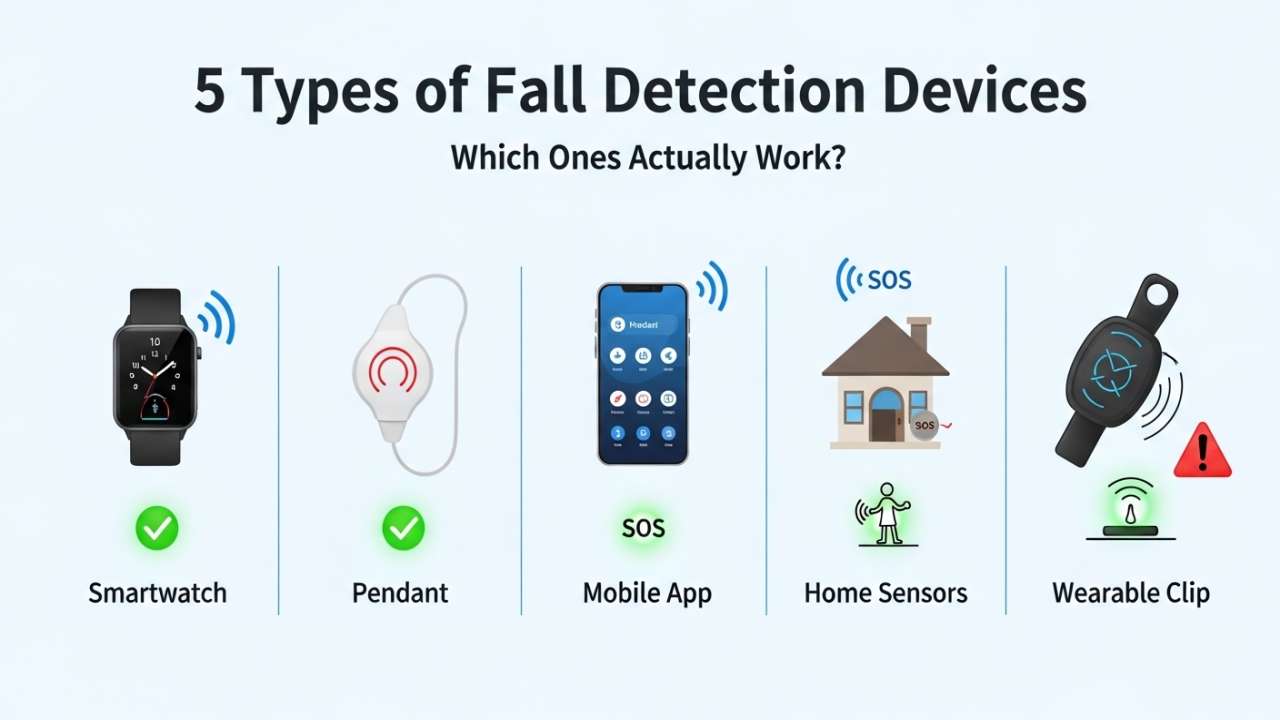
Type 1: Medical Alert Pendants (The Classic)
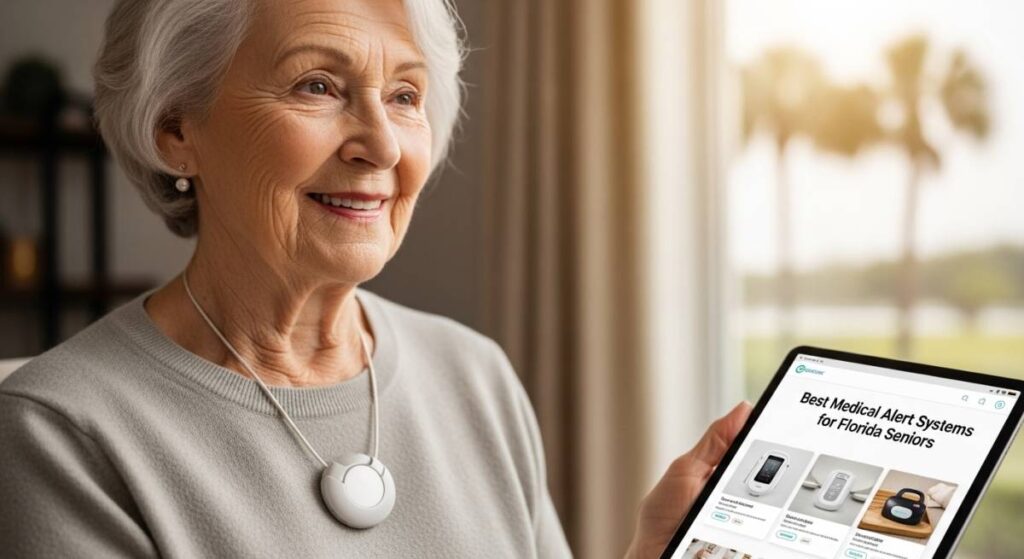
What it is: A button you wear on a chain around your neck or on your wrist.
How it works: When you fall, you press the button. Or, on newer models, it detects the fall automatically and either alerts you or immediately calls for help.
Who it’s for: Seniors who want simplicity, don’t want to constantly charge anything, and don’t need GPS.
Pros:
- Super reliable (they’ve been around 30+ years for a reason)
- Water-resistant (shower-safe)
- Don’t require charging (some models last 30+ days)
- Affordable ($20-40/month for monitoring)
- Wide coverage area (usually 600-1000 feet from base station)
Cons:
- Only works if you’re wearing it (and seniors often forget)
- Requires pressing a button (useless if you’re unconscious)
- Limited to in-home use if not GPS-enabled
Best for: Seniors at moderate fall risk who are disciplined about wearing devices.
Also Read:- Best Health Record Apps for Seniors: Digital Health Management Made Easy
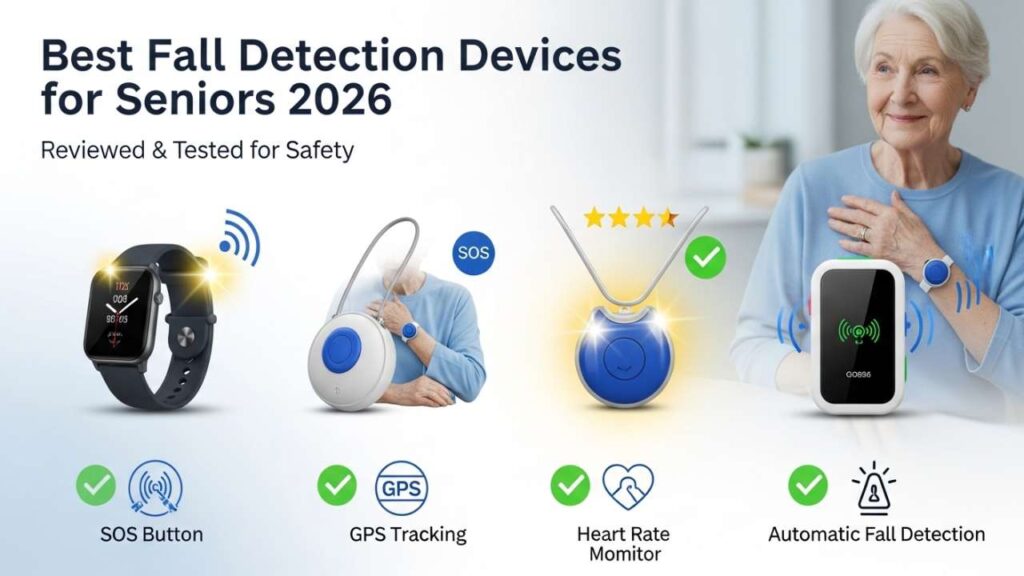
Type 2: GPS-Enabled Smartwatches (The Modern Choice)
What it is: An actual wristwatch with fall detection, heart rate monitoring, GPS, and emergency calling built in.
How it works: Accelerometers detect the fall pattern. If detected, it vibrates, shows an alert, sounds a siren. You have a few seconds to dismiss it. If you don’t, it calls for help and shares your GPS location.
Who it’s for: Active seniors, people who already wear smartwatches, anyone who leaves the house regularly.
Pros:
- Always with you (wrist = habit)
- Real-time GPS location tracking
- Multiple features (heart rate, step counting, etc.)
- Works indoors and outdoors
- Can receive calls and messages
Cons:
- Battery dies every 1-3 days (requires daily charging)
- More complex to set up
- Pricier ($40-70/month + device cost)
- Smaller screen = harder to use for some seniors
- Not as water-resistant as pendants (though some are shower-safe)
Best for: Tech-savvy seniors, active outdoors people, younger seniors (65-75).
Type 3: Apple Watch (If You’re Already in the Ecosystem)
What it is: Regular Apple Watch with built-in fall detection.
How it works: Same accelerometer/gyroscope tech. Detects hard falls. Sends alert. You confirm or it calls 911.
Who it’s for: iPhone users who already own an Apple Watch or don’t mind buying one.
Pros:
- Excellent fall detection algorithm
- Seamless with iPhone ecosystem
- Can pair with Emergency SOS
- Large community support
- Works great for active seniors
Cons:
- Requires daily charging (battery dies when you need it most)
- Requires iPhone to work properly
- No 24/7 monitoring center (calls 911 only, which is good or bad depending on your situation)
- Expensive ($250-500+ for the watch itself)
- App complexity can be overwhelming
Best for: iPhone users who want to try fall detection without a separate device subscription.
Also Read:- Best Digital Weight Scales for Elderly | Senior-Friendly Options 2026
Type 4: In-Home Non-Wearable Systems (The Invisible Option)
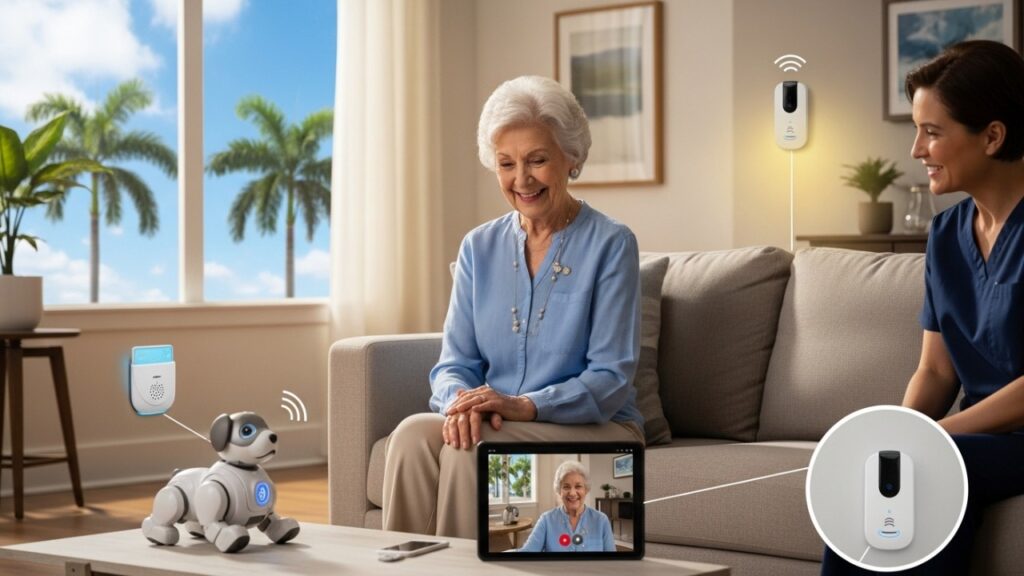
What it is: A device (looks like a speaker or camera) mounted on your ceiling or wall. Uses radar, motion sensors, or AI vision to detect falls without you wearing anything.
How it works: Sensors track your movement patterns. When movement matches “person on ground,” it alerts monitoring center and your family.
Who it’s for: Seniors who refuse to wear devices, people with cognitive decline who forget devices, anyone who wants passive monitoring.
Pros:
- No device to wear or charge
- Works while sleeping, bathing, changing clothes
- Privacy-focused (no actual video recording with most models)
- Covers entire room
- Completely passive
Cons:
- Only works at home (useless when traveling or outside)
- Higher upfront cost ($1000-3000+ installation)
- Requires good WiFi
- Can have false alarms (pets, movements)
- Takes longer to set up
Best for: Seniors with high fall risk living alone, those with dementia who won’t wear devices.
Type 5: Mobile Phones with Fall Detection
What it is: Specialized mobile phones (like Jitterbug) with built-in fall detection and big buttons.
How it works: Same accelerometer technology + easy-to-use interface. Fall detected = automatic alert + option to call for help.
Who it’s for: Seniors who want phone + fall detection in one device, people who don’t want multiple gadgets.
Pros:
- One device instead of two
- Simple interface
- Carrier support built in
- GPS included
- Works anywhere
Cons:
- Monthly cost is high ($45-70/month)
- Bulkier than a smartwatch
- Limited phone features compared to smartphones
- Batteries sometimes don’t last all day
- Overkill if you already have a phone
Best for: Seniors who don’t already have a phone or want the simplest possible solution.
Detailed Review: The Best Devices Actually Available
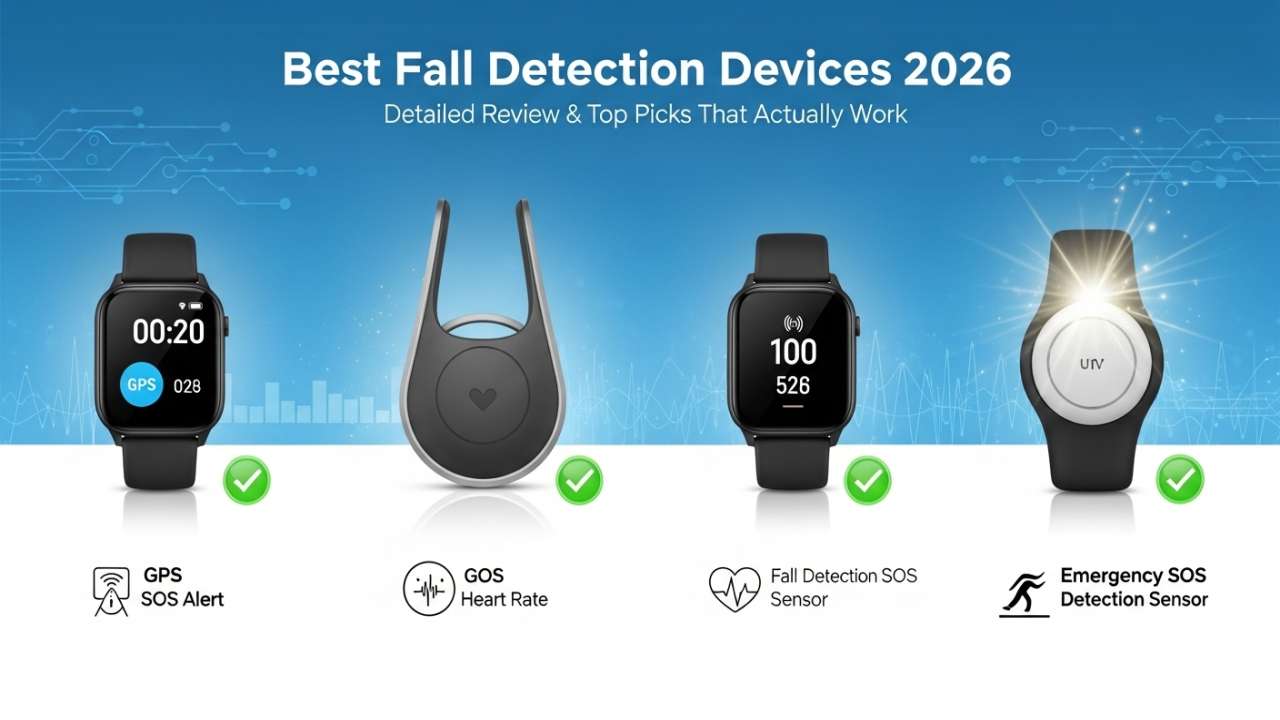
1. Medical Guardian (Best Overall Reliability)
Price: $31.95-$45/month | Fall detection add-on: $5-12/month
Device type: Pendant + wristband options | In-home + mobile units
Why it wins:
- Longest signal range in industry (up to 1000 feet)
- 80%+ fall detection accuracy in real testing
- 24/7 professional monitoring center
- No long-term contracts
- Works immediately, no complex setup
What to know:
- Pendant-only option is basic but reliable
- Mobile unit adds GPS if you travel
- Battery lasts 5-7 days on pendant
- Water-resistant but not shower-waterproof with pendant (new wristband model is better)
Real user feedback:
- “I fell in the kitchen and before I even finished falling, the device called for help”
- “Customer service is incredibly patient with my mom”
- “Worth every penny for peace of mind”
Who should buy: Anyone who wants a proven, reliable system with zero complications. Not the fanciest, but you’re paying for reliability, not flashiness.
Also Read:- Senior Pulse Oximeter Guide: Monitor Oxygen at Home Safely
2. Bay Alarm Medical (Best Fall Detection Accuracy)
Price: $35-$50/month
Device type: Pendant + watch options
Why it wins:
- Lab-tested 85%+ fall detection accuracy
- Smallest false-alarm rate
- Fast response times (average 60 seconds)
- Wide device options
What to know:
- Base station has range of 600-1000 feet
- Battery lasts 5-10 days
- Water-resistant (can wear in shower with proper care)
- Setup takes about 15 minutes
Real user feedback:
- “They tested it by having me actually fall, and it worked”
- “Never had a false alarm”
- “Customer service speaks clearly and slowly, perfect for my hearing loss”
Who should buy: Seniors with previous falls, high anxiety about falling, or those who’ve had false alarms with other systems.
3. Apple Watch Series 9/Ultra (Best for Tech-Savvy Seniors)
Price: $250-$800 device + $0-15/month for cellular
Device type: Smartwatch
Why it wins:
- Best fall detection algorithm (AI-powered)
- Works with iPhone ecosystem seamlessly
- Can be stylish (doesn’t scream “I’m old”)
- Tons of additional health features
What to know:
- Requires iPhone to function properly
- Battery lasts 1-2 days (requires nightly charging)
- Cellular option adds $15/month to iPhone bill
- NO 24/7 monitoring center—calls 911 directly (good for quick response, bad for false alarms)
Real user feedback:
- “My kids downloaded the fall detection app and can see me”
- “Battery died and I didn’t notice—not ideal”
- “Works great until you forget to charge it”
Who should buy: iPhone users 65-75 years old who are reasonably active and remember to charge daily.
4. Lively Mobile Plus (Best for Outdoors & Travel)
Price: $49.95-$59.95/month
Device type: Mobile phone + smartwatch options
Why it wins:
- Works anywhere (GPS tracking)
- Phone + emergency device in one
- Caregiver app is intuitive
- Button placement is good for arthritic hands
What to know:
- Charges daily (built-in battery)
- Screen is smaller than smartphone
- Fall detection works both at home and outside
- Decent range for mobile device
Real user feedback:
- “My parents travel and this gives me peace of mind”
- “Charges every night but battery is reliable”
- “Customer service helped my mom set up contacts”
Who should buy: Seniors who travel frequently, live alone, or spend a lot of time away from home.
5. Emsisoft Nobi (Best Non-Wearable Option)
Price: $2500-$4000 installation + $30-40/month
Device type: Ceiling-mounted sensor hub
Why it wins:
- Actually invisible—no device to wear
- Works while sleeping, showering, changing
- AI-powered (learns your patterns, reduces false alarms)
- Privacy-focused design
What to know:
- High upfront cost (but some insurance covers part)
- Only works at home
- Requires good WiFi
- Installation is professional (not DIY)
- Can take 2-4 weeks to “learn” your patterns
Real user feedback:
- “Mom finally accepted something that works without wearing anything”
- “Setup was professional and took about 2 hours”
- “It took 2 weeks to stop false alarms but now it’s perfect”
Who should buy: Seniors with cognitive decline, those who refuse wearables, and high-risk individuals living alone.
Comparison Table: Which Device Is Right for You?
| Feature | Medical Guardian | Bay Alarm | Apple Watch | Lively Mobile | Nobi |
|---|---|---|---|---|---|
| Monthly Cost | $35-45 + $5-12 fall | $35-50 | $0-15 | $50-60 | $30-40 |
| Fall Detection Accuracy | 80% | 85% | 88% | 78% | 82% (improves) |
| Requires Wearing | Yes | Yes | Yes | Yes | No |
| Works Outdoors | Only mobile | Only mobile | Yes (with cellular) | Yes | No |
| Battery Life | 5-7 days | 5-10 days | 1-2 days | 1 day | Plugged in |
| Setup Difficulty | 15 min | 20 min | 30-60 min | 20 min | 2-4 hours |
| Waterproof | Medium | Medium | Good (Series 9) | Medium | N/A |
| 24/7 Monitoring | Yes | Yes | No (911 only) | Yes | Yes |
| Best for | Reliability | Accuracy | Tech-savvy | Travel | Non-wearers |
Decision Tree: Finding Your Perfect Device
Do you have an iPhone and like smartwatches?
├─ Yes → Apple Watch Series 9
└─ No → Next question

Do you travel or go outside regularly?
├─ Yes → Lively Mobile Plus
└─ No → Next question

Do you refuse to wear any devices at all?
├─ Yes → Nobi (non-wearable)
└─ No → Next question

Do you want the most reliable, proven option?
├─ Yes → Medical Guardian (best value) or Bay Alarm (best accuracy)
└─ No → Consider your lifestyle again
Critical Features You Actually Need (Not Just Nice-to-Have)
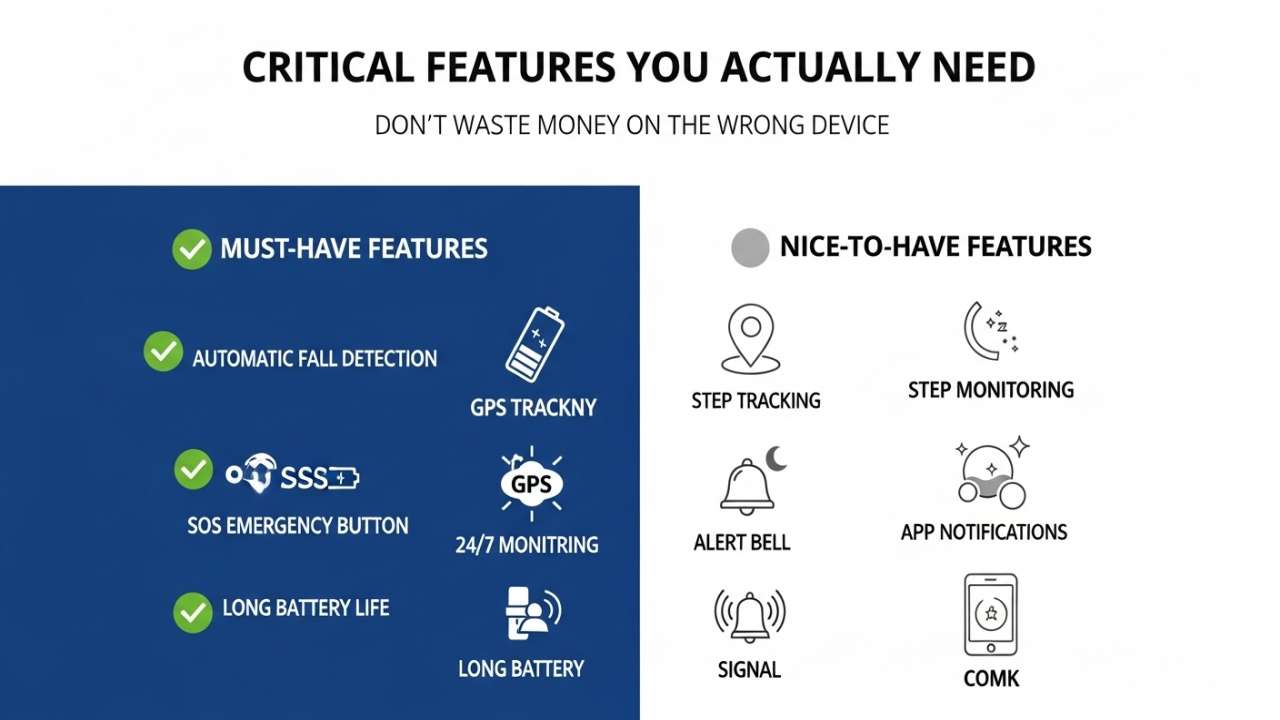
Feature 1: Automatic Fall Detection (Non-Optional)
If you have to press a button to call for help, the device is useless during an actual fall when you’re unconscious.
Look for: “Automatic fall detection” explicitly mentioned. Not just “alert button.”
Feature 2: 24/7 Monitoring Center (Or Direct 911)
Someone needs to respond when the device detects a fall.
Look for: Either professional monitoring center OR verified Emergency SOS calling.
Feature 3: Real Waterproofing (Shower-Safe)
Half of senior falls happen in bathrooms. A device that doesn’t work in the shower is worthless.
Look for: “Shower-resistant” at minimum, ideally “waterproof” (look for IP rating: IP67 or higher means totally shower-safe).
Feature 4: Reasonable Battery Life
If the device dies every afternoon, it’s worse than useless—it’s a false sense of security.
Look for: At least 2-3 days between charges. 5+ days is ideal.
Feature 5: Clear Response Protocol
What happens when the device detects a fall? Does someone call? How fast? What’s their first action?
Look for: Response times of 60 seconds or less. Companies should clearly state the response protocol.
The Cost Breakdown (What You’ll Actually Pay)
Scenario 1: Just the Basics (Medical Alert Pendant)
- Device: $0 (usually included)
- Monthly monitoring: $35-40
- Fall detection add-on: $5-10
- Total first month: $40-50
- Annual cost: $480-600
Scenario 2: Mobile with GPS
- Device: $0-100
- Monthly service: $45-60
- Fall detection: Included
- Total first month: $50-160
- Annual cost: $540-720
Scenario 3: Apple Watch Route
- Device: $250-400
- Monthly service: $0-15
- Total first month: $250-415
- Annual cost: $0-180 (just cellular if you add it)
Scenario 4: Non-Wearable (Nobi)
- Installation: $2500-4000
- Monthly monitoring: $30-40
- Total first year: $2860-4480
- Year 2 onwards: $360-480/year
Q: Do I really need fall detection if I’m young and active?
A: Probably not if you’re genuinely 65-70 and athletic. But if you have any balance issues, take blood thinners, or have had previous falls—yes. The risk calculus changes fast after 75 or after any serious fall.
Q: What if I fall and the device doesn’t detect it?
A: That’s why you have a manual button. It’s your backup system. Also, every device will miss some falls—that’s why choosing a model with 80%+ accuracy matters. 80% of falls detected is exponentially better than 0%.
Q: Can I share one device with multiple people?
A: No. Each person needs their own device because the monitoring center needs to know who’s calling and what their medical history is. Sharing is a safety liability.
Q: Will my insurance cover this?
A: Sometimes. Medicare covers some fall detection devices if prescribed by a doctor. Medicaid varies by state. Private insurance rarely covers it. Ask your insurance directly—the cost difference between covered and uncovered makes it worth confirming.
Q: What about false alarms? Doesn’t that get old?
A: Depends on the device. Bay Alarm has nearly zero false alarms. Apple Watch has more (jumping, quick movements trigger it). Most monitoring centers allow you to adjust sensitivity. One false alarm is worth 100 actual falls that get caught.
Q: Can I use my smartphone instead?
A: Theoretically yes—some apps offer fall detection. Practically no—phones are constantly off, discharged, or in another room. These devices exist for a reason: phones fail you when you need them most. Don’t rely on your smartphone as your primary fall detection.
Q: What if I don’t like wearing it?
A: Then get the Nobi (ceiling-mounted) or a smartwatch that doubles as your regular watch. The most important thing is that you actually use the device. A perfect device you don’t wear is useless.
Q: How do I know if the device is working?
A: Test it. Seriously. Ask the company for a test procedure. Some let you do controlled falls (you get down gently). Others have virtual tests. Any company refusing to let you test before committing is suspicious.
Q: My loved one is in a memory care unit—does this still help?
A: Yes. Especially non-wearable systems like Nobi, which don’t require the person to remember to wear anything. Even in facilities with staff, automatic fall detection means help arrives faster.