So look, it’s Tuesday afternoon. Like 2 PM. You’re sitting in some meeting at work, phone’s on silent obviously, but your brain’s just… stuck thinking about your mom. She’s 72. Home alone probably. Did she take her blood pressure meds on time? What about lunch? Did she remember? And like, what if she falls in the kitchen or something? How’s she gonna reach a phone?
You’re not alone in this, honestly. Millions of people in America deal with this exact same thing every single day. That guilt. That constant worry in the back of your head. That nagging question that just won’t go away: Is she actually okay?
Here’s the thing nobody really talks about – the technology has gotten WAY better. Like, those old medical alert buttons your grandma had? The ones sitting on the nightstand collecting dust? That’s basically ancient history now. The devices available right now? They’re actually incredible. They’re smart, they’re discreet, and they genuinely work.
It’s not just about emergency buttons anymore. These devices track vital signs. They detect falls before they become disasters. They remind your parents to take medications. They send real-time alerts to you AND to healthcare providers. The whole system is automated now. Your parents can stay safely at home. You can actually focus on work without that constant background anxiety.
By the time you’re done reading this, you’re gonna understand what’s actually out there, how it all works together, and most importantly – which one actually makes sense for your specific situation.
What’s Actually Going On With Senior Health Right Now
So the statistics are kind of wild when you think about it. Like, over 3 million seniors every year end up in the ER just because of falls. 3 million. And like 80 percent of people over 60 have some kind of chronic condition – blood pressure stuff, diabetes, heart issues, you name it. On top of that, almost 45 percent of seniors over 75 live alone.
That’s where these devices come in. Remote health monitoring – that’s the technical term – basically keeps tabs on your parent’s vitals automatically. The doctor can see the data real-time. If something looks off, they can actually do something about it before it becomes an emergency. Instead of waiting three months for an appointment and hoping everything’s fine, you’re catching problems early. That’s the actual game-changer here.
Also Read:- Best Medical Alert Systems for Seniors 2026 | Reviewed & Compared
The Five Main Types of Monitoring Devices (What Actually Works)
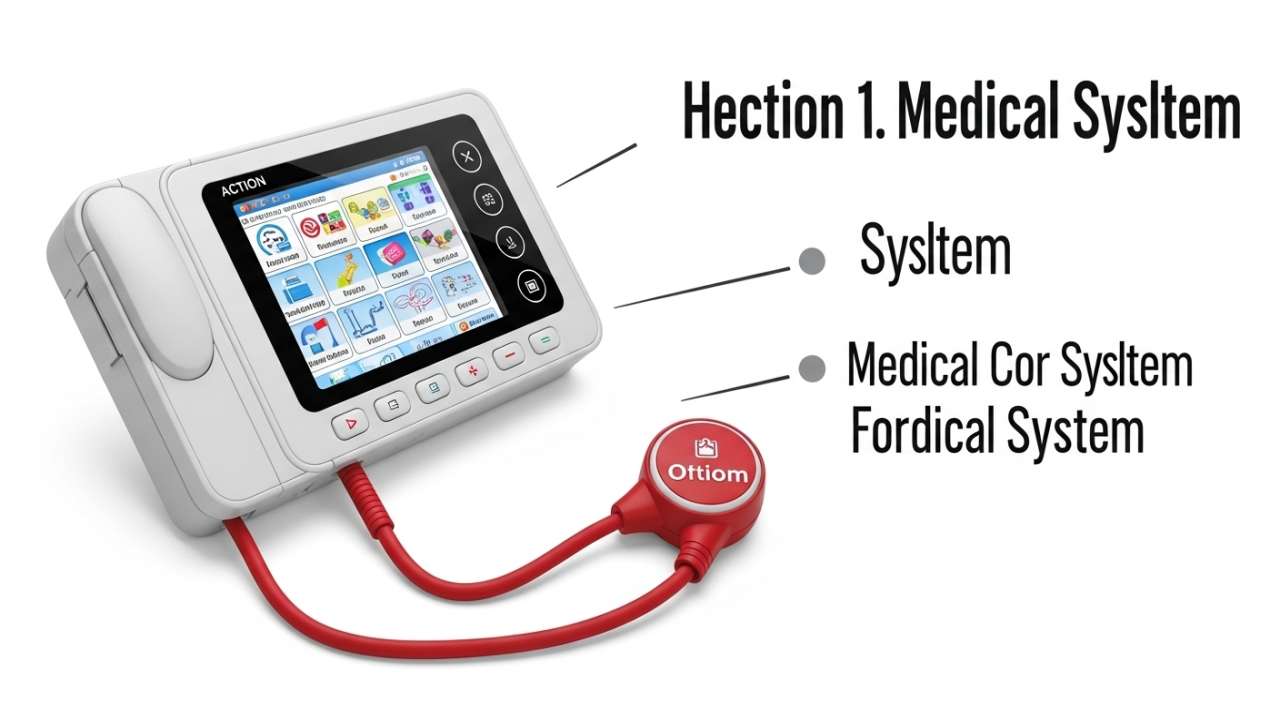
PERS Devices (Medical Alert Systems) – The Classic Choice
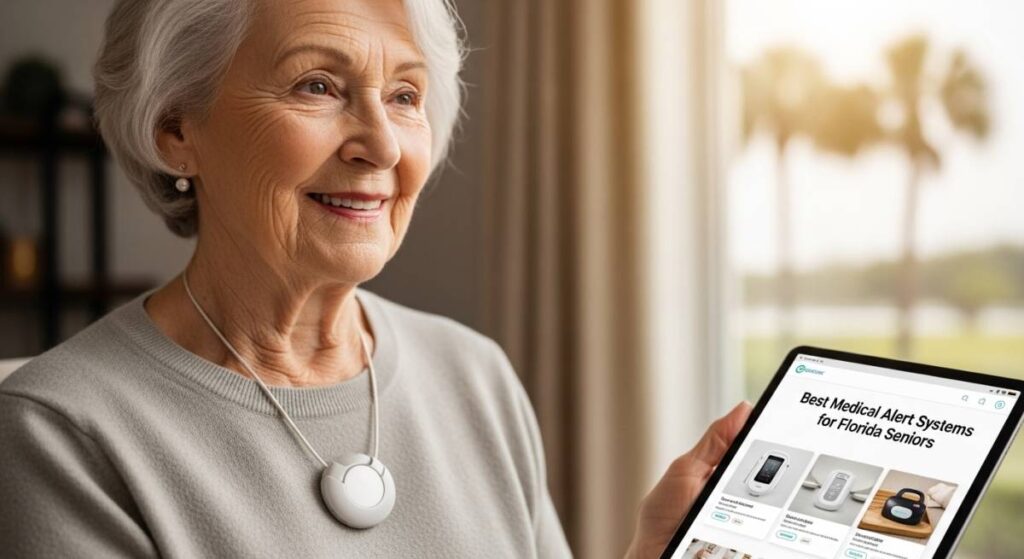
Alright, so PERS means “Personal Emergency Response System.” Basically it’s a device – could be a pendant, could be a watch, could be like a little remote thing. Your parent presses the button, and boom – they’re connected to a 24/7 monitoring center. Someone picks up, asks what’s wrong, and if they need to, they send help immediately.
Used to be just a button. That’s it. Now these things have automatic fall detection built in. So if your dad falls and can’t press anything, the device literally detects the fall and sends the alert automatically. No button-pressing needed. That’s actually huge for people who might be unconscious or disoriented.
The popular ones are Medical Guardian and Bay Alarm Medical. Both run like 35-50 bucks a month, equipment costs maybe 200-300 dollars, and here’s the good part – no stupid long-term contracts. Month to month. If it doesn’t work out, you can switch.
Real talk though: Those pendant ones? They can look kinda… old. Like, they announce to the world that you’re worried about falling. Some parents are self-conscious about that. If that’s your parent, go with a smartwatch version instead. You get the same benefits but it just looks like they’re wearing a watch.
Smartwatches – The Modern Option
Apple Watch basically became the default for seniors now. I mean, if your parent already has an iPhone, everything just connects seamlessly. No weird setup, no frustration.
What you get:
- Heart rate tracking 24/7
- Automatic fall detection (actually pretty solid)
- Can take an ECG (like, legit heart rhythm check)
- Direct calling to you
- Water resistant so they can shower with it
- Battery lasts like 3-4 days easy
Price is like 300-400 dollars. They last like 3-4 years no problem.
Samsung Galaxy Watch 7 is another solid option if your parent has vision issues or just wants a bigger screen that’s easier to read.
The real situation: Smartwatches work best if your parent’s already comfortable with tech. Like, if they struggle with the TV remote, a smartwatch might just stress them out instead of helping.
Also Read:- GPS Tracking in The Villages, Florida: Senior Safety Complete Guide for Active Retirees
Blood Pressure Monitors (Bluetooth) – Honestly, This Might Be The Most Important One
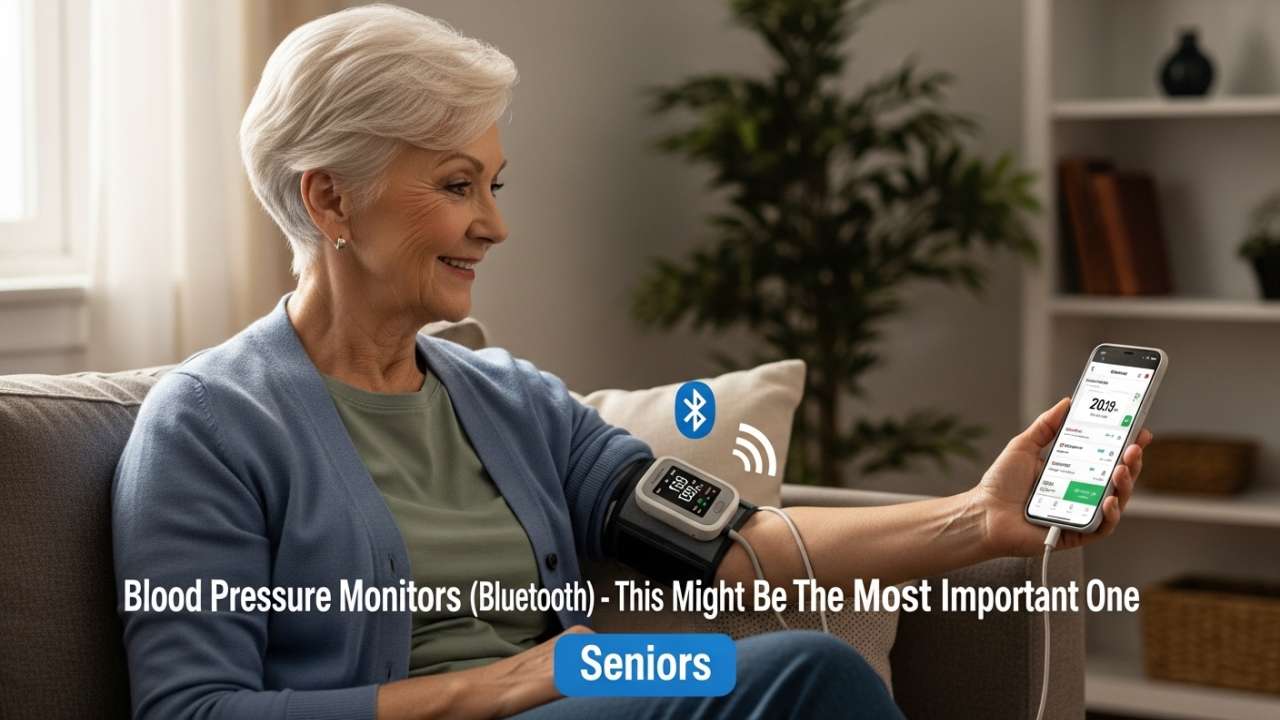
So this is like 50-150 bucks. You stick it on their nightstand. They take a reading in the morning. Takes like 30 seconds. And then it automatically syncs to their phone.
But here’s where it gets actually amazing – it also syncs to their doctor’s portal. Their doctor can literally see their blood pressure readings in real-time.
Think about it this way: Your mom’s blood pressure reading comes back high – like 165/98. Old system? She writes it down and tells the doctor in three months at her appointment. By then she could’ve had a stroke. New system? Doctor’s office gets the notification same day. A nurse calls her like “Hey, did you eat extra salty food? You stressed? Let’s adjust your meds.” Stroke prevented. Just like that.
Best brands are Omron BP5250 (super accurate, very reliable) and Withings (looks nice, great app).
Bonus thing: Medicare Advantage plans usually cover these completely. Like zero dollars out of pocket. Original Medicare doesn’t, but if your parent has the Advantage plan, they’re good.
Smart Home Safety Systems – The Invisible Approach
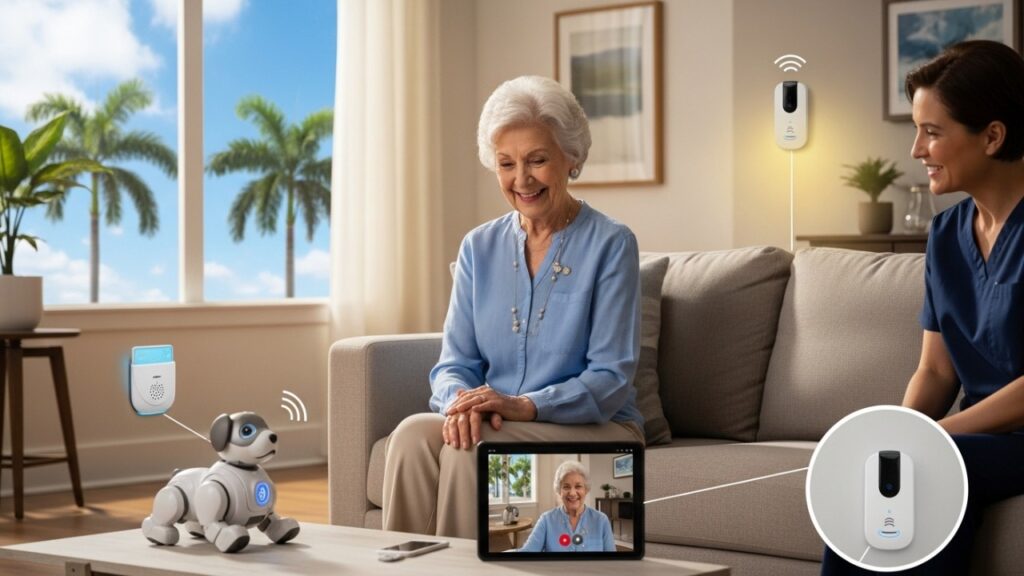
So these are kinda cool because your parent doesn’t have to wear anything. You just put sensors around the house. Motion sensors basically. They track if your parent’s moving around normally.
Like let’s say your dad takes a walk to the kitchen every morning at 7 AM. That’s his routine. One morning he doesn’t go. The system notices and sends you an alert. Maybe something’s wrong. Maybe he’s just tired. But you know something’s different. You can check on him.
Companies doing this: Canary Care, SafetyLink.
Cost is like 50-100 bucks a month, maybe 200-500 to set up.
Medical Grade Heart Monitors – When Stuff Gets Serious
If your parent had a heart attack recently, or a stroke, or doctors think they might have irregular heartbeats, regular smartwatch stuff isn’t enough.
There’s this thing called Zio XT – it’s literally just a patch. Stick it on their chest for 14 days. Records every single heartbeat. Cardiologist reviews all of it. It’s prescription only, but Medicare covers it completely.
Also Read:- Medical Alert Systems The Villages Florida: The Complete 2026 Guide for Active Villagers
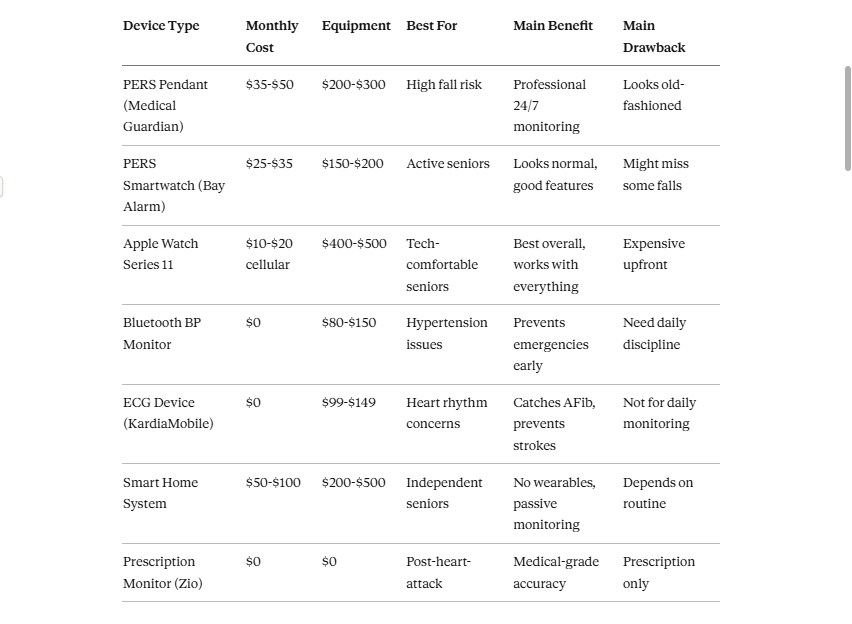
Quick Device Comparison – Who Should Get What
The Remote Monitoring Thing – This Part Actually Matters A Lot
Okay so here’s what most articles don’t really explain properly. Back in the day, these devices just collected data. Like, they recorded stuff but that was kinda it.
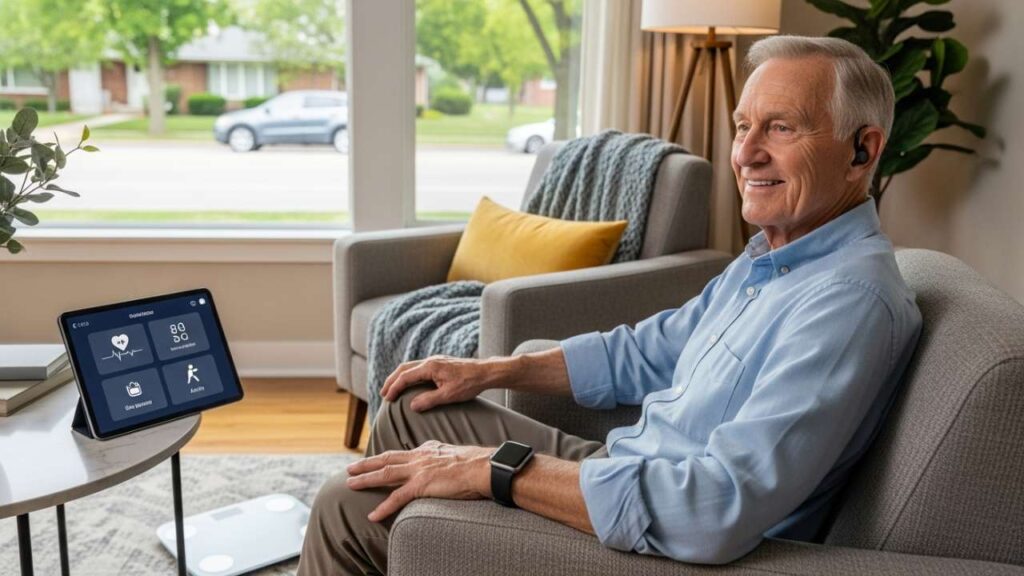
Now? Everything’s different. Data comes off the device. Goes to the cloud. Cloud sends it to your parent’s healthcare provider’s system. Doctor can literally see what’s happening in real-time. Blood pressure numbers. Heart rate. Everything.
Real example:
Your mom’s morning blood pressure reads 165/98. That’s high.
Old way: She jots it down. Mentions it at her doctor appointment in three months. Hopes everything’s okay. Could have a stroke before the appointment.
New way: Doctor’s office gets an alert the same day. Nurse calls her: “Hey, did you have extra salt? You stressed out? Let’s maybe adjust your medication a little.” Potential stroke prevented before it happens.
This is actual life-saving stuff. And it’s not even that expensive. Insurance covers a lot of it.
Also Read:- GPS Trackers for the Elderly in Florida
How To Actually Choose – Practical Decision Making
Step 1: What’s The Main Problem?
- Falls happening a lot? → Get PERS with fall detection
- Heart or blood pressure stuff? → BP monitor plus a smartwatch
- Concerned about independence but they’re alone? → Smart home system
- Multiple health conditions? → Full remote monitoring setup
Step 2: Then Add Extras Once you’ve got the foundation:
- Tech-comfortable? Add a smartwatch for extra features
- Vision problems? Get something with a bigger screen
- They wander around? Add GPS tracking to their device
Step 3: Make Sure Everything Talks To Each Other The best system isn’t the one with the most features. It’s the one where everything’s connected. Smartwatch data goes to the doctor’s portal. Fall alert goes to you, your brother, AND the doctor simultaneously. Everything interconnected.
Step 4: Think About Usability For You How complicated is this system for you to actually use? If the app confuses you, your parent’s definitely gonna be confused. Test it out. Make sure you understand how to see alerts and information.
Real Implementation – Week By Week
Week 1: Research and Buying
First thing – talk to your parent’s doctor. Seriously. Ask them “Hey, what device would you recommend for my parent given their health conditions?” Most doctors have preferences based on what they know. Plus your parent’s insurance might have specific coverage for certain devices.
Then check the insurance. See what they cover.
Finally, get your parent involved in picking. “Look, here are some options. Which one feels comfortable to you?” If they hate it, they won’t use it.
Week 2: Installation and Getting It Set Up
Most PERS devices come with installation help. Company sends someone. Sets everything up. For smartwatches, you might do it yourself or have a tech-savvy family member come help over dinner.
Teach your parent the basics:
- How to charge the thing
- How to use the button or features
- What notifications they’ll get
- Do a practice run – have them press the button and actually talk to the monitoring center. Makes it less scary.
Week 3-4: Testing and Making Adjustments
First couple weeks will feel weird. Your parent probably won’t naturally grab the smartwatch or device. That’s normal. They might get false alarms (the device thinks they fell when they just bent down weird). That’s a learning curve.
Meanwhile, you set up your phone. Download the app. Run a test. Have your parent trigger an alert on purpose so you know what it actually looks like when it happens for real.
Read Also:- Fall Detection Devices Florida Seniors: The Complete 2025 Guide
What’s The Actual Cost Breakdown
Okay so most articles just tell you the monthly fee. That’s not the whole picture. Here’s what it actually costs:
PERS Device (Pendant or Watch):
- Monthly: $25-$50
- Equipment: $150-$400
- Fall detection add-on: $0-$15/month
- Real yearly cost: $450-$850
Smartwatch Setup:
- Upfront: $300-$500
- Monthly cellular: $10-$20
- No monitoring fees
- Real yearly cost: $420-$740
Blood Pressure Only:
- Device: $80-$150 (sometimes free)
- Monthly: $0
- Real yearly cost: $80-$150
Smart Home System:
- Monthly: $50-$100
- Setup: $200-$500
- Real yearly cost: $800-$1,700
Full Comprehensive Setup (PERS + BP Monitor + Smartwatch):
- Real yearly cost: $1,200-$1,800
Important: Medicare Advantage plans cover 50-100 percent of this stuff. Original Medicare doesn’t. Check what your parent has BEFORE you buy anything.
FAQ – The Questions Everyone Actually Asks
Q: Will Medicare actually cover this? A: Original Medicare? Nope. Medicare Advantage (Part C)? Usually yeah. And if your parent has chronic conditions like hypertension or heart disease, remote monitoring devices are often covered. Just call their insurance company directly.
Q: What if they refuse to use it? A: This is the real issue, honestly. It’s not the device, it’s the mindset. If they think it means they’re losing independence, they won’t use it. Reframe it. “This lets you stay independent longer.” If the pendant bothers them, get a smartwatch instead. Sometimes starting with passive monitoring (smart home stuff) helps them get comfortable with the idea.
Q: Is fall detection actually accurate? A: Not 100 percent. Sudden falls? Yeah, it catches those pretty well. Slow falls where they slide down a wall? Might miss those. It’s a safety net, not a guarantee. Still pretty valuable though – catches like 80 percent of falls.
Q: Can hackers get in? A: Established companies use HIPAA compliance and encryption. So yeah, pretty secure. Don’t buy cheap random brands off some sketchy website. Stick with actual known companies that have been around.
Q: What if they move in with me? A: PERS devices work anywhere – they’re not location dependent. Smart home systems you can relocate and reset the sensors. Most devices are portable. Just ask the company first.
Q: Does the doctor have to check this data every single day? A: Nope. System sends alerts automatically if something looks wrong. Doctor only gets involved if something’s concerning. You don’t have to manually check anything unless you want to.
Q: Can I add multiple family members to get alerts? A: Absolutely. You, your brother, your sister, whoever – they can all get notifications. This is actually important if multiple people are helping with their care.
Q: Is this the same as assisted living? A: No. Fall detection is a device feature. Assisted living is a living situation where staff are actually present helping with bathing, dressing, medication. Fall detection device is perfect for someone who’s independent most of the time but wants backup. If they need daily help with basic stuff, they need assisted living.